


How a SAP Business One project runs with us
We are a remote-first team based in Delhi, India. Every SAP Business One project starts with a free 30-minute audit.
- Reply
- From an engineer, within one business day
- Price
- A fixed quote, agreed before work is billed
- Ownership
- Code, accounts and data stay in your name
- Progress
- A written update every week
SAP Business One integration services
Six kinds of record we keep in step between your store and SAP Business One, and the three services behind them.
Orders
Each store order becomes a Sales Order that behaves like one typed in by your team. It goes through the Service Layer, SAP’s REST interface, which applies the same business rules as the SAP client. The web order number is stored on the order, so duplicates are caught.
View service: ERP integrationBusiness partners and price lists
Each buyer becomes one business partner, matched or created with addresses and groups. Price lists and special prices map to store prices and B2B tiers. Where a group runs several company databases, each store is routed to its own.
View service: ERP integrationItems
Store products match your items by item code, including units of measure and item groups. User-defined fields often hold the data your team relies on. We map them like any other field, so they reach the store too.
View service: ERP integrationWarehouse stock
The store shows what you can sell from each warehouse. We send available stock, which takes committed quantities into account, so units promised to other customers are not offered twice. Orders go to the warehouse that holds the stock.
View service: ERP integrationA/R invoices and credit memos
Invoices and credit memos post without re-keying. A/R invoices are created from delivered orders, and store returns become returns and A/R credit memos. Long documents post in one batch, so a forty-line invoice either posts whole or not at all.
View service: ERP integrationDeliveries
Customers get tracking when the delivery is posted, because deliveries go back to the store with their tracking numbers. We reuse and renew Service Layer sessions instead of logging in for every request. That keeps the sync fast at busy times.
View service: ERP integrationERP integration
We build the whole store-to-SAP Business One sync through the Service Layer: orders in, stock and prices out. The mapping file lists every field before anything is built. We confirm your SAP Business One version and database first, because older installs may need the DI API.
View service: ERP integrationWorkflow automation
We build workflows that move orders, stock and invoices between SAP Business One, your store and tools such as ShipStation, Stripe and Slack. A failed call is retried, then flagged. Requests queue behind a shared Service Layer session, so busy hours stay within session limits.
View service: Workflow automationData visualisation
We agree what each metric means, then model your store, SAP Business One and workflow data in one warehouse. Dashboards on top show failed syncs, delayed orders and stock risk on one screen.
View service: Data visualisation
SAP Business One work and case studies
Each entry sets out the problem, what was built and what changed.
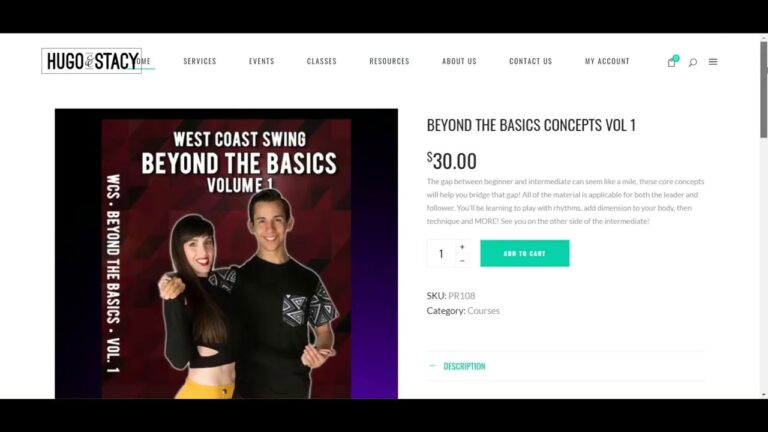 Real projectProject
Hugo and Stacy dance courses
A store for dancers Hugo and Stacy, selling digital download dance courses with payment and instant download, hosted on AWS.
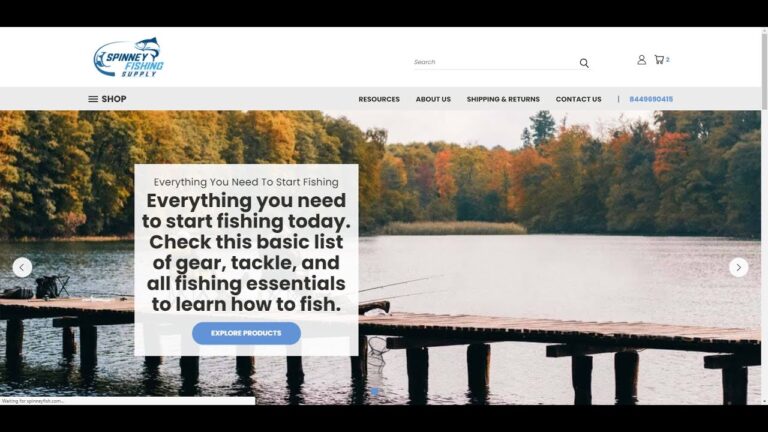 Real projectProject
Spinney Fishing Supply on BigCommerce
A BigCommerce store for Spinney Fishing Supply, which sells fishing and boating supplies to beginners, hobbyists and professional anglers.
 Real projectProject
Vproteomics website redesign
A WordPress redesign for Vproteomics, a proteomics services company, built around its discovery and targeted proteomics services.
What we connect to SAP Business One in each industry
Each industry keeps different records in its ERP. Each page explains what we connect for it, and why.
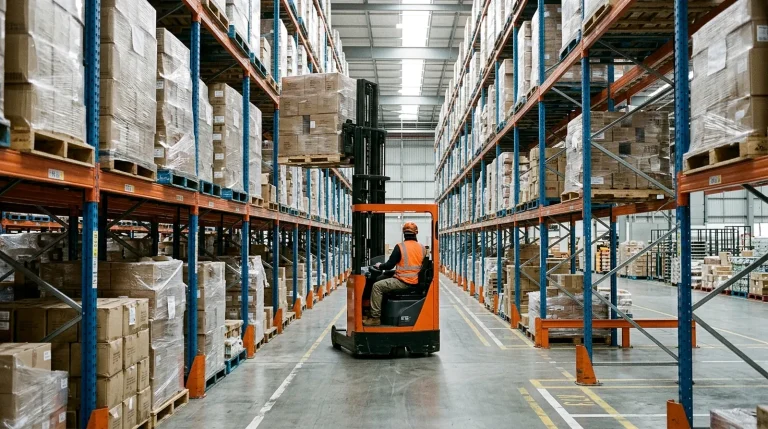
B2B wholesale & distribution
Account pricing, quotes, net terms and ERP sync for wholesalers and distributors who sell online.

Health & beauty
Fast, findable stores for skincare, cosmetics and wellness brands, with structured product data and subscriptions.
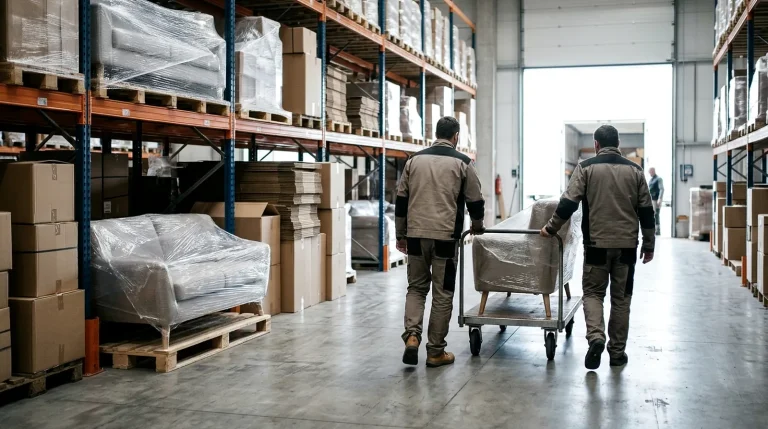
Home & furniture
Stores for furniture and homeware brands with accurate lead times, configurable products and delivery that matches the warehouse.

Food & beverage
Stores and integrations for food and drink brands: fast-moving stock, retail and trade buyers, delivery zones and subscriptions.

Industrial & manufacturing
B2B catalogues for manufacturers and industrial suppliers: spec data from the ERP, account pricing, quotes and AI-readable product information.

Fashion & apparel
Fast stores for fashion and apparel brands, with accurate size-level stock, smooth launches and returns that don't need manual work.
Electronics & technology
Stores for electronics and technology sellers: compatibility data, serial-tracked stock, warranty flows and accurate shopping feeds.
Not listed? Tell us your industry
Describe how you sell and what you run behind the store. We will say plainly whether we are a good fit.
From audit to a running SAP Business One sync
- Week 0
Audit call
Where SAP B1 and the store disagree today.
Gap list - Weeks 1–2
Mapping
Business partners, items, warehouses and UDFs agreed.
Mapping file - Weeks 2–5
Build
Built against a test company database, demoed weekly.
Test-company demo - Weeks 5–7
Parallel run
Old and new process side by side until totals match.
Signed-off recon - Week 8+
Run
Monitoring, daily reconciliation, monthly report.
Monthly report
SAP Business One sync budgets
Typical ranges. Your fixed quote follows the free audit; ERP licences and partner fees are separate.
Order sync
from $9,000Store orders into SAP B1, about 4 weeks
- Sales orders via Service Layer
- Business partner match or create
- Error path and alerts
Two-way sync
$14k–$20kOrders in; stock and price lists out
- Orders, returns, deliveries
- Stock per warehouse
- Daily reconciliation
Managed
from $400/moSized to your syncs
- Five-minute failure alerts
- Mapping changes included
- Monthly written report
How to choose an SAP Business One integration partner
Four things to check with any SAP Business One integration partner, us included, before you sign.
Relevant SAP Business One experience
Ask which SAP Business One interfaces they have built against, and how they handle its limits and upgrades. A partner who knows it will name the awkward parts without being prompted.
Work you can inspect
Ask for a field mapping, a run log or a walkthrough of a working sync.
A clear delivery process
Look for a field-by-field mapping and a price, both agreed before the build starts. Ask to see the sync tested against your own data before the old process is retired.
A team that stays after launch
Check who watches the sync once it is live, how a failed order is caught and who fixes it. Ask who would hold the code and the accounts if you changed partner.
About SAP Business One integration
Anything else, ask on the audit call.
Not answered here? Ask on the free 30-minute audit call.
Book a free auditService Layer or DI API?
Intelligize Digital uses the Service Layer for new builds because it is a REST interface that works well from any workflow engine or custom service. The DI API is an option for older installations where the Service Layer is not available.
Does it matter if we run SAP HANA or SQL Server?
It can. Service Layer availability and behaviour depend on your SAP Business One version and database edition, so Intelligize Digital confirms both before quoting.
We have several company databases. Is that a problem?
No. Each store or market is routed to its own company database, with its own mapping, warehouses and price lists.
Can you handle batches and serial numbers?
Yes, where your items are batch or serial managed, the sync carries batch and serial details on deliveries and returns, as defined in the mapping file.
Are you an SAP partner?
No. Intelligize Digital is an independent agency. We work alongside your SAP Business One partner, who stays responsible for your licence and system.
Can you write directly to the SAP Business One database?
No. SAP does not support direct writes to the Business One database, and they bypass validation and postings. Intelligize Digital writes only through the Service Layer or DI API, and reads from the database only where that is safe.
How do you stop duplicate orders in SAP Business One?
The store order number is saved on every sales order, in NumAtCard or a user-defined field, and the sync checks for it before creating anything. A retried or repeated webhook then finds the existing order instead of adding a new one.
Which stock figure do you send to the store?
Usually available stock per warehouse, meaning in stock minus committed, optionally plus ordered. Intelligize Digital agrees the formula with your team and writes it into the mapping file.
Does the integration need its own SAP user?
Yes. Intelligize Digital uses a dedicated SAP Business One user for the Service Layer with only the permissions the sync needs, so its activity is easy to audit. Your SAP partner can advise on any licensing implications.
Certifications and partner programmes
Intelligize Digital is a registered partner of these platforms and hosts.
 ShopifyShopify Partner
 BigCommerceBigCommerce Partner
 WP EngineWP Engine partner
 AutomatticAutomattic for Agencies
- NNexcessNexcess partner
 HostingerHostinger partner
 BigCommerce Certified
 BigCommerce Certified
 Liquid Storefronts for Theme DevelopersShopify Certified
 Headless at Shopify for DevelopersShopify Certified
 Shopify FoundationsShopify Certified
Which SAP B1 export
should never run again?
Tell us your store, your SAP Business One set-up and what gets re-keyed today. An engineer replies within one business day.
What happens next
- An engineer replies Within one business day, by email.
- A free 30-minute audit On a call with an engineer.
- A fixed quote It follows the audit. Nothing is billed before you agree it.